
Prompt
History
Nothing here yet
Your first render lands in this panel.
Your first render lands in this panel.
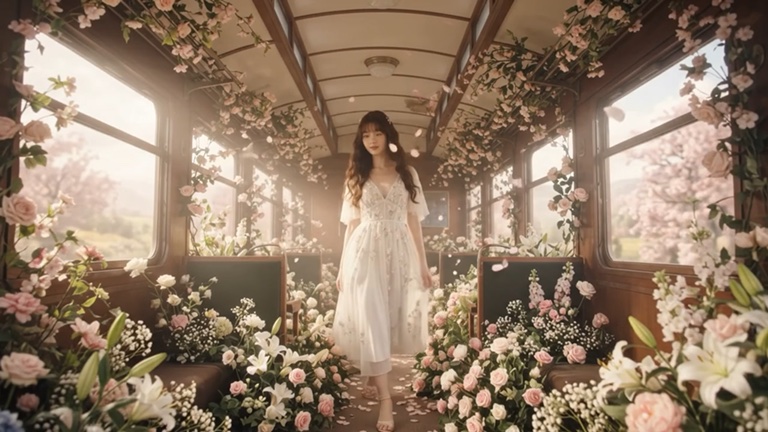
Create images from a text prompt or edit an existing photo with plain words. Luv Video gives you the leading image models, including Nano Banana 2, Seedream 5.0, GPT Image 2 and Grok Imagine, in one editor.
Choose the model, ratio and resolution, then keep iterating: change the outfit, swap the background or restyle the whole image without starting over.
Yes. Upload a photo, pick an edit model such as Nano Banana 2 Edit or GPT Image 2, and describe the change. The rest of the image stays as it is.
Nano Banana 2 is great for edits and keeping a face consistent, Seedream for photorealism, and GPT Image 2 for following detailed instructions and rendering text.
Yes. Open any image in the video generator and an image-to-video model will animate it.
Luv Video runs on credits. Each run shows its price before you start, and unused credits roll over. Plans start at 2,000 credits a week.
Yes. Every paid plan includes commercial use of everything you make, so you can post it, run it as an ad or deliver it to a client.