
Prompt
History
Nothing here yet
Your first render lands in this panel.
Your first render lands in this panel.
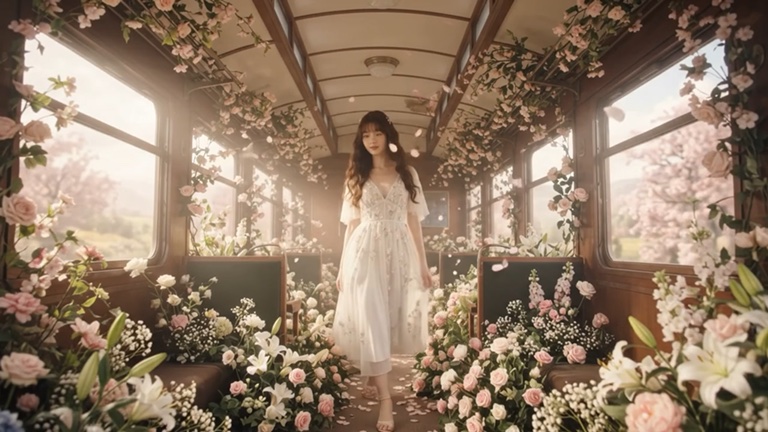
Describe any image and an AI model creates it in seconds. Luv Video includes Google Nano Banana 2 for fast, high-quality images and Seedream 5.0 Lite for creative, detailed results, with every aspect ratio from vertical stories to widescreen banners.
When an image is close but not quite right, open it in the image editor and change it with words, then upscale it or turn it into a video.
Text to image is AI that generates a picture from a written description. The more specific the prompt about subject, style and light, the closer the result.
Nano Banana 2 is fast and reliable for most images, and Seedream 5.0 Lite is great for creative, detailed styles. Run the same prompt on both to compare.
Yes. Use image-to-image editing to change parts with words, inpainting to repaint an area, or upscaling for more detail.
Luv Video runs on credits. Each run shows its price before you start, and unused credits roll over. Plans start at 2,000 credits a week.
Yes. Every paid plan includes commercial use of everything you make, so you can post it, run it as an ad or deliver it to a client.