
CINEMATIC CAMERAS
Choose the camera, lens and light like a cinematographer. Then describe the scene.

Choose the camera, lens and light like a cinematographer. Then describe the scene.
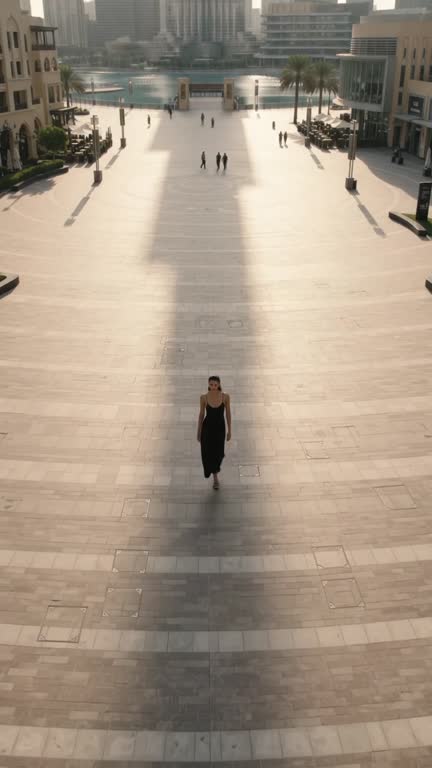
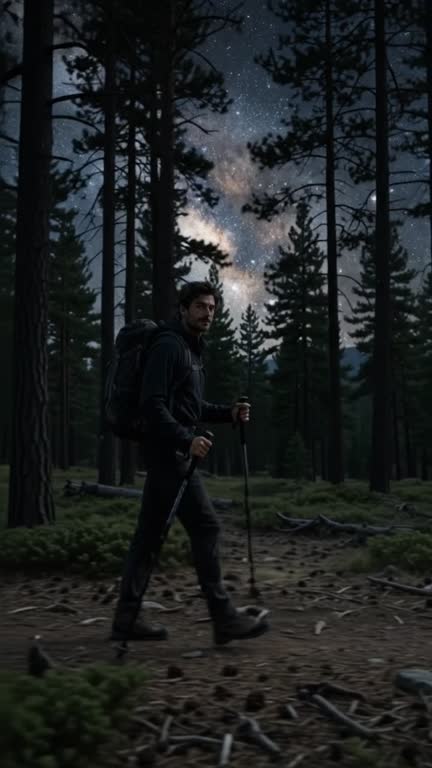
Cinema Studio lets you direct like a cinematographer. Choose the camera body, lens, focal length and lighting setup, then describe the scene, and Luv Video turns those choices into a precise prompt for cinematic images and videos.
No. You pick from named options, and the studio turns them into the technical prompt for you.
Luv Video runs on credits. Each run shows its price before you start, and unused credits roll over. Plans start at 2,000 credits a week.
Yes. Every paid plan includes commercial use of everything you make, so you can post it, run it as an ad or deliver it to a client.